
This project was intentionally designed around easily available hardware and affordable components.
The goal was not to create a perfect commercial product, but a reproducible and understandable community solution for keeping the Logitech G13 alive on modern macOS systems.
Core Components
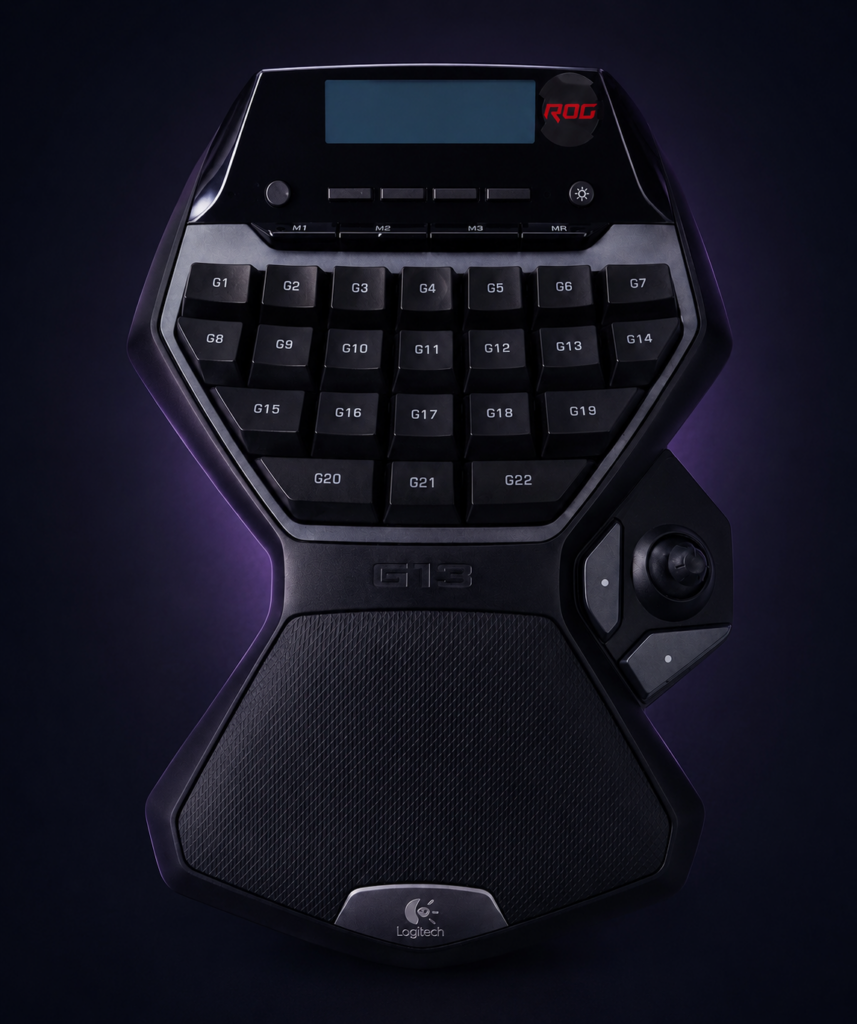
Logitech G13 Advanced Gameboard
The original Logitech G13 is the heart of this project.
Unfortunately, the device has been discontinued for many years and must usually be purchased second-hand.
Notes
- USB connection required
- Tested with original retail hardware
- Display, joystick and all G-keys are supported by the project firmware
Typical Used Market Price
- approximately 40–120 EUR
- depending on condition and availability
Teensy 4.1
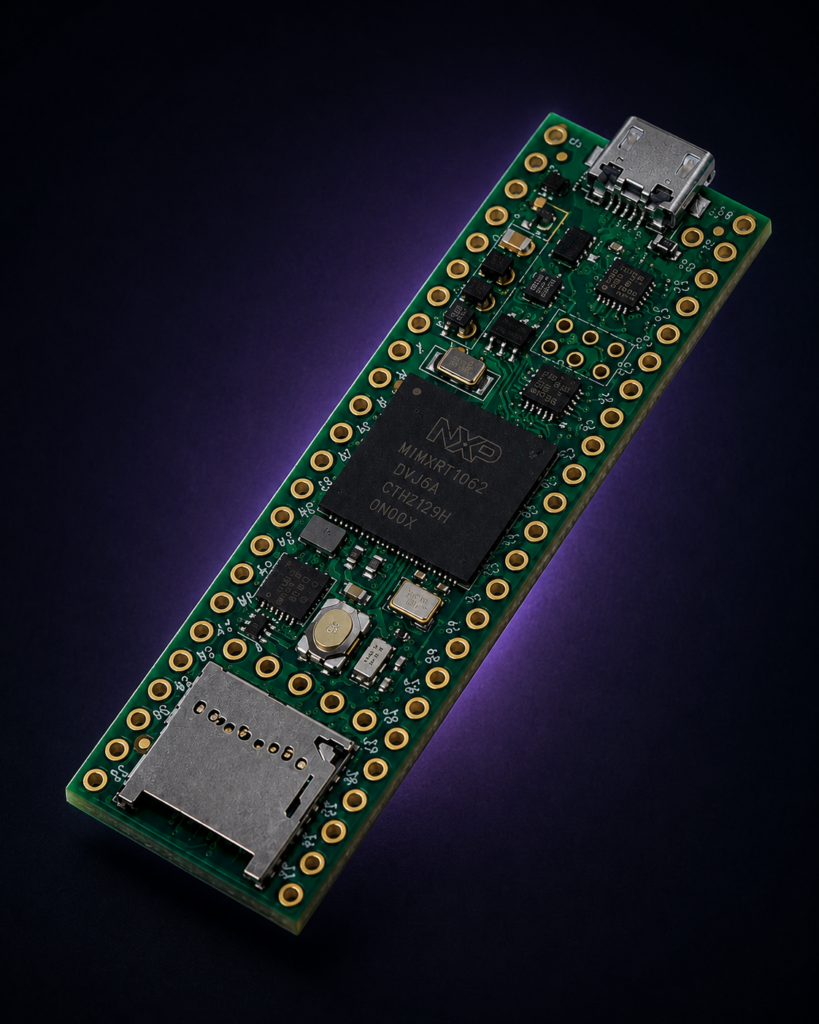
The Teensy 4.1 is the central controller and mandatory core component of this project.
It was specifically chosen because it supports:
- USB Host functionality
- USB Device functionality
- simultaneous USB communication in both directions
- stable HID handling
- excellent performance headroom
- reliable Arduino ecosystem support
The Teensy acts as a real-time USB middleware bridge between the Logitech G13 and macOS.
Why Teensy 4.1?
Earlier project versions attempted to use:
- Raspberry Pi
- Bluetooth HID emulation
- virtual USB approaches
While partially functional, these architectures proved unreliable on macOS.
The Teensy-based direct USB HID architecture became the first truly stable solution.
Typical Price
- approximately 35–45 EUR
Recommended Sources
- PJRC (official manufacturer)
- Mouser
- DigiKey
- local electronics distributors
Official Website
- https://www.pjrc.com/store/teensy41.html
Required Cables & USB Connections
The following USB hardware and cables were successfully tested with the G13 Revival Project on macOS.
Using reliable and properly shielded cables is strongly recommended.
Low-quality USB cables may cause:
- unstable HID communication
- random disconnects
- firmware upload issues
- intermittent USB detection failures
For best stability, avoid ultra-cheap no-name USB cables whenever possible.
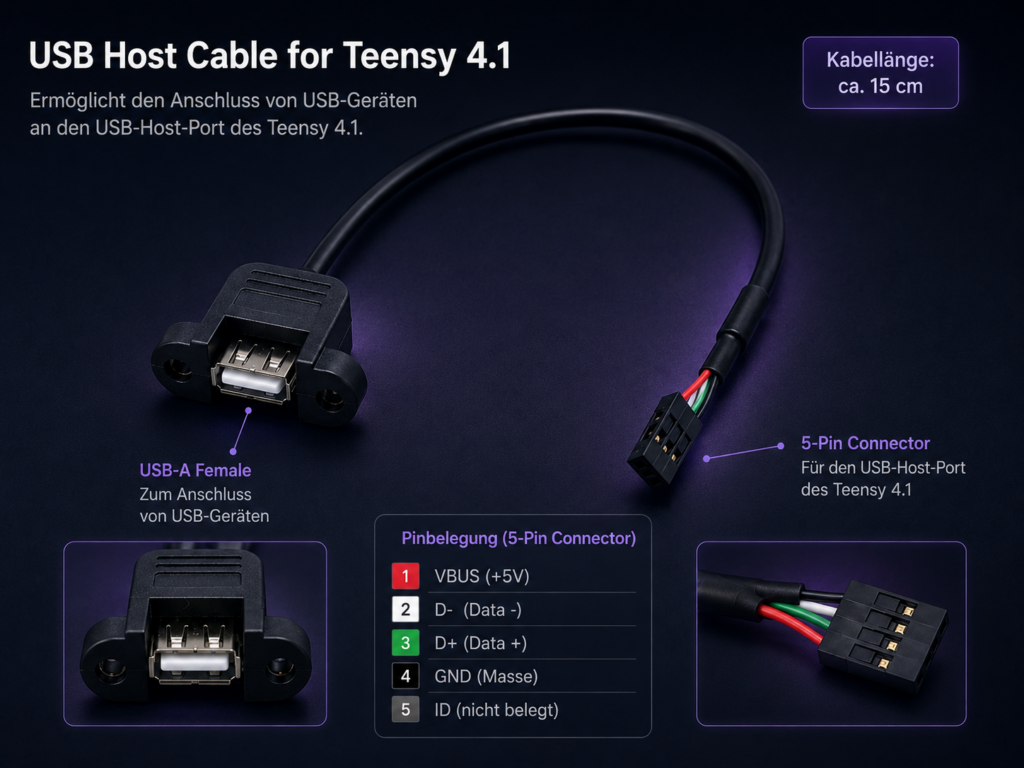
PJRC USB Host Cable (Mandatory)
Official USB Host cable from the Teensy manufacturer.
Function
- enables USB Host operation on the Teensy 4.1
- connects the Teensy Host interface to the powered USB hub
Connection Type
- 5-Pin connector on the Teensy 4.1 side
- USB-A female connector on the opposite side
Soldering the USB Host Connection
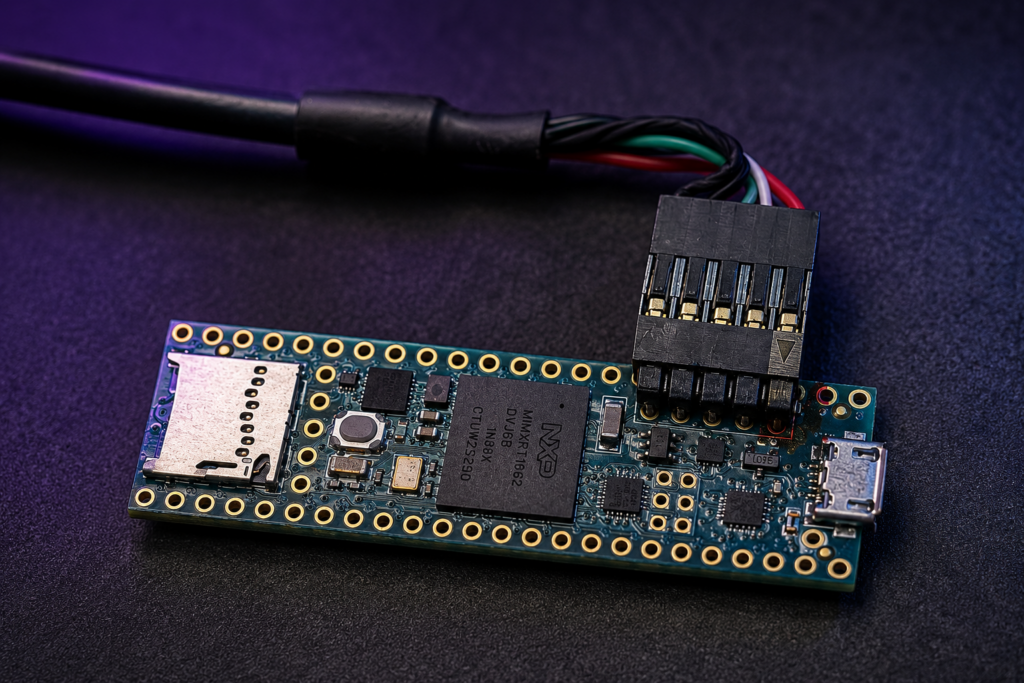
The USB host pads on the Teensy 4.1 are very small SMD pads and require careful soldering.
There are basically two options:
a) you are experienced with fine soldering work and do it yourself or
b) you ask a local electronics repair shop, maker space, or experienced hobbyist to solder it for You.
The good news is: You do not need to worry about USB wiring or pin assignments. The USB host adapter cable already comes pre-assembled with the correct connector. Only the connector header needs to be soldered onto the Teensy 4.1 host pads.
Approximate Price (soldering not included) approximately 5–10 EUR
Source PJRC (official Teensy manufacturer)
Official Website
https://www.pjrc.com/store/cable_usb_host_t36.html
Important
This is NOT a standard USB cable.
Without this cable, the Teensy cannot communicate with the Logitech G13 as a USB Host device.
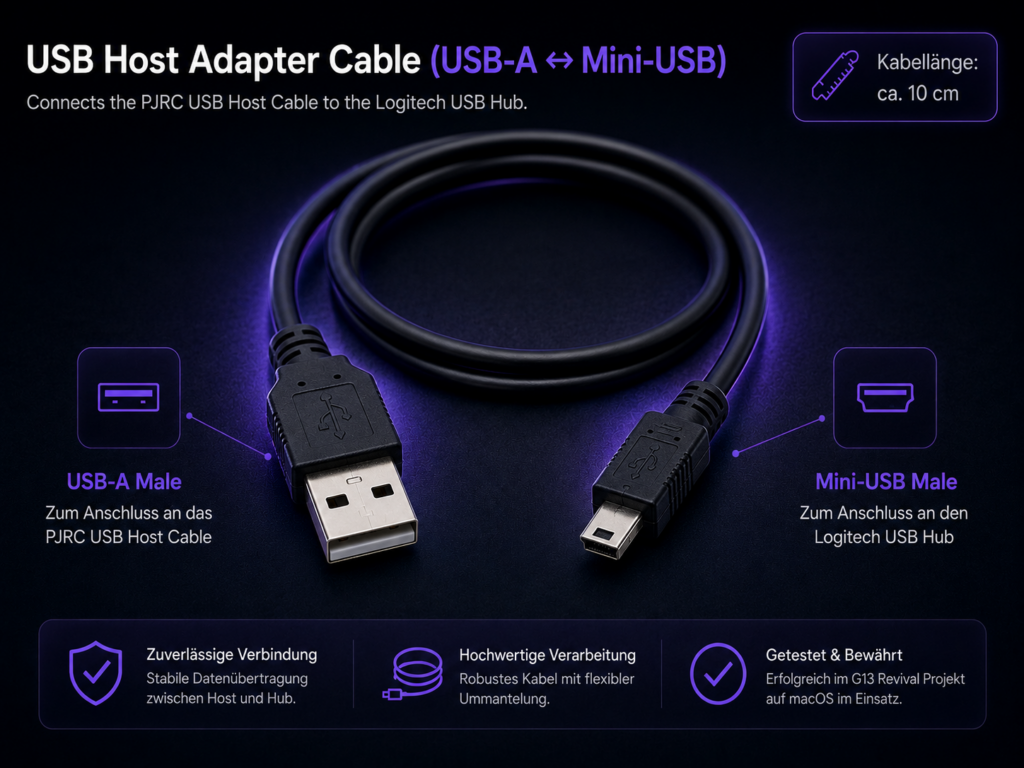
USB-A to Mini-USB Cable
Used to connect the PJRC USB Host cable to the powered USB hub.
Verified Cable Type
- USB-A male
- Mini-USB Type-B male
Important
This connection uses:
- Mini-USB
- NOT Micro-USB
Verified Example
- short USB-A ↔ Mini-USB cable
- approximately 10 cm length
Approximate Price
- approximately 3–8 EUR
Example Source
- Amazon Germany
Search Term
SYSTEM-S Mini USB Kabel 10cm USB A auf Mini USB
Notes
Shorter cables are generally preferred for cleaner routing and improved stability.
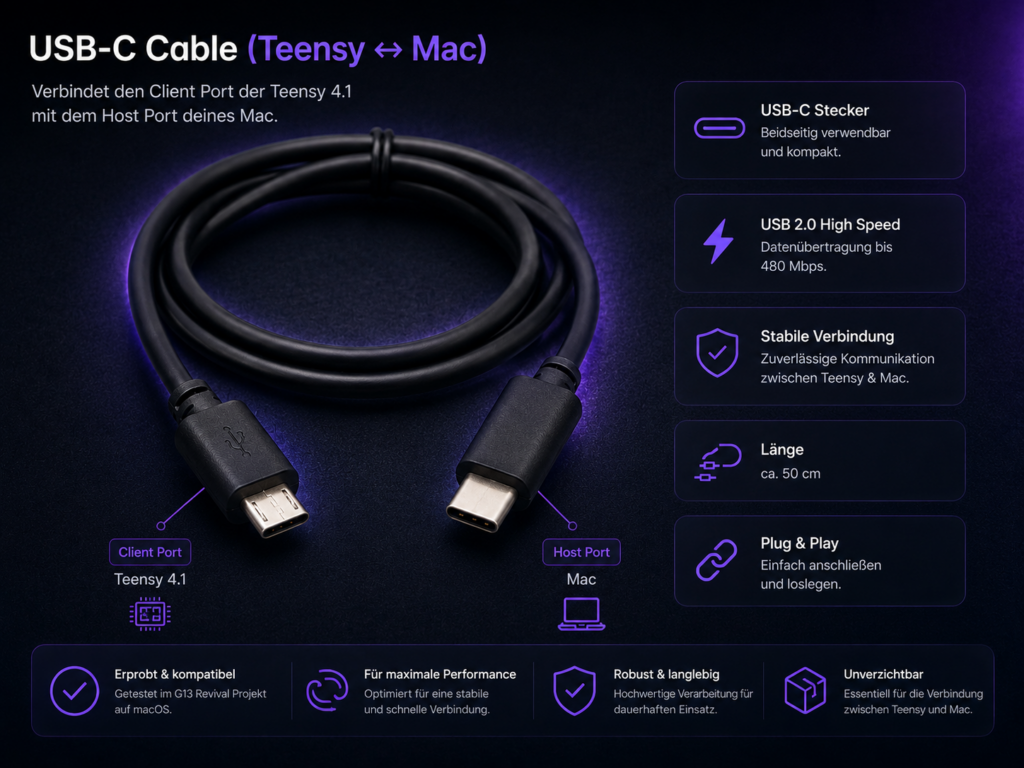
Micro-USB to USB-C Cable
Used to connect the Teensy USB Device port to the Mac.
Verified Cable Type
- Micro-USB male
- USB-C male
Important
The Teensy 4.1 USB Device port uses:
- Micro-USB
- NOT Mini-USB
Function
- firmware upload
- serial debugging
- HID keyboard communication with macOS
Approximate Price
- approximately 4–15 EUR
Example Source
- Amazon Germany
Search Term
USB C auf Micro USB Kabel GIANNAC 1M
Notes
High-quality braided USB cables are recommended for reliable long-term operation.
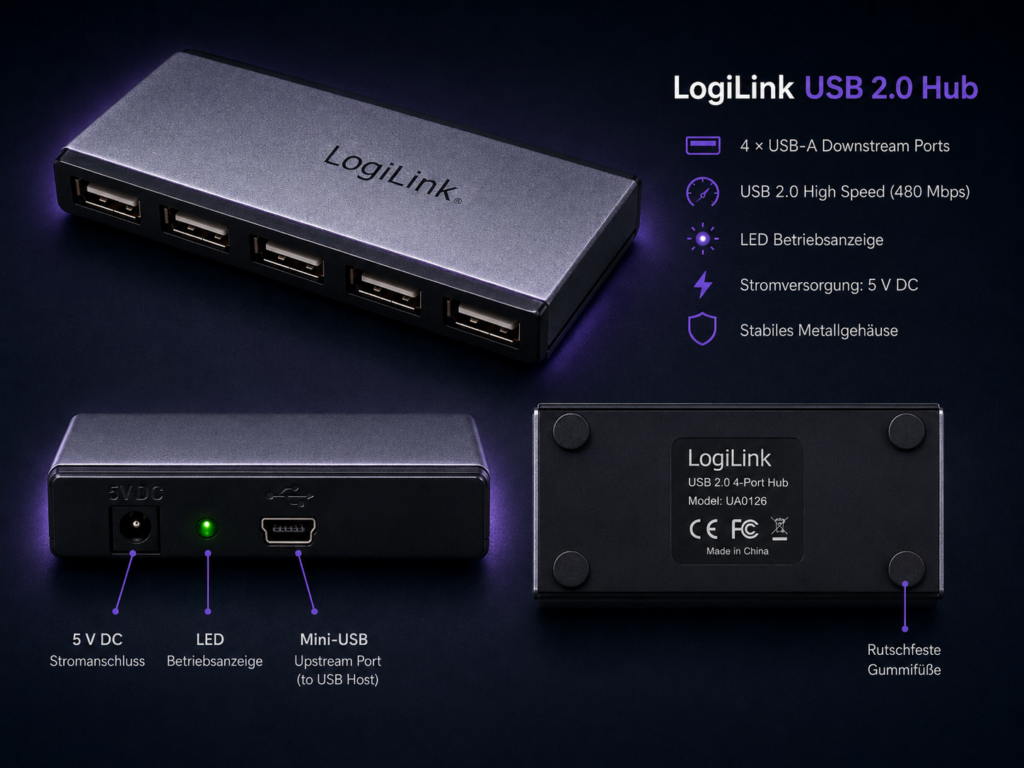
Powered USB Hub
The Logitech G13 requires stable external power delivery.
Direct USB power from the Teensy alone is typically not sufficient for reliable long-term operation.
Verified Example
- LogiLink 4-Port USB 2.0 Hub
- aluminium enclosure
- external power supply included
Approximate Price
- approximately 10–25 EUR
Example Source
- Amazon Germany
Search Term
LogiLink 4-Port USB 2.0 Hub Aluminium Netzteil
Important
A powered USB hub is strongly recommended and effectively mandatory for stable operation.
Notes
USB 2.0 hubs are fully sufficient for this project.
Optional Component
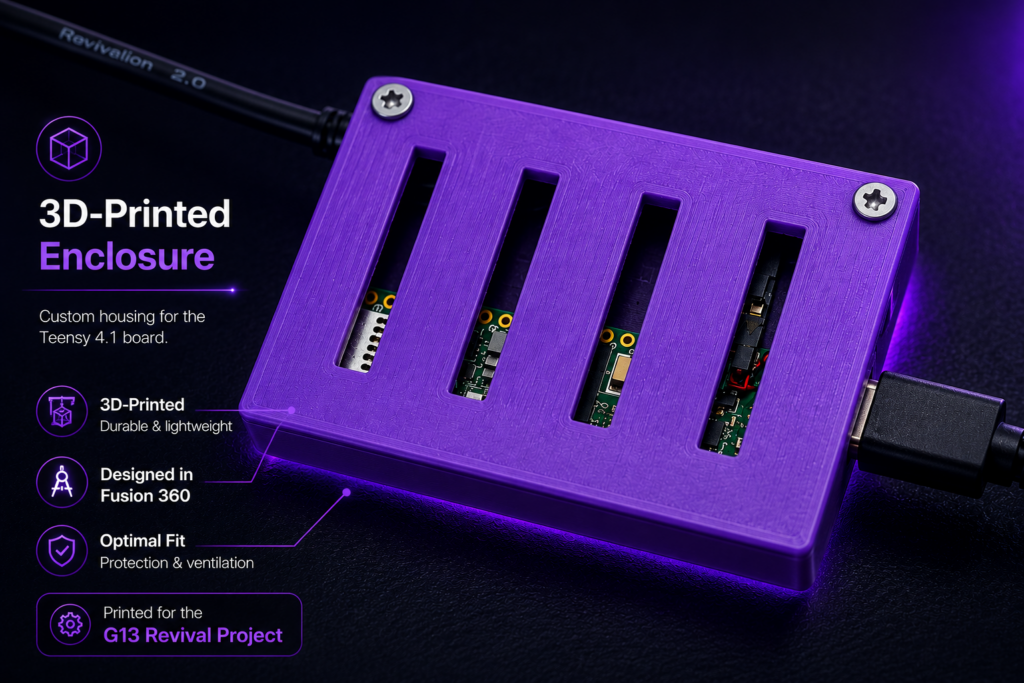
3D Printed Enclosure
A custom enclosure is strongly recommended.
Benefits:
- protects the Teensy hardware
- improves cable stability
- prevents accidental shorts
- creates a cleaner desktop setup
The enclosure used in this project was:
- designed in Fusion360
- resin printed
- optimized for airflow and cable routing
STL files will be provided in the Downloads section.
Verified Working Configuration
The following configuration was successfully tested:
- Logitech G13
- Teensy 4.1
- Apple Silicon Mac Mini M4
- macOS Sequoia / Tahoe (should also work with Windows, as it uses HID-Signals)
- custom USB Host wiring
- Arduino IDE 2.x
- Teensyduino environment