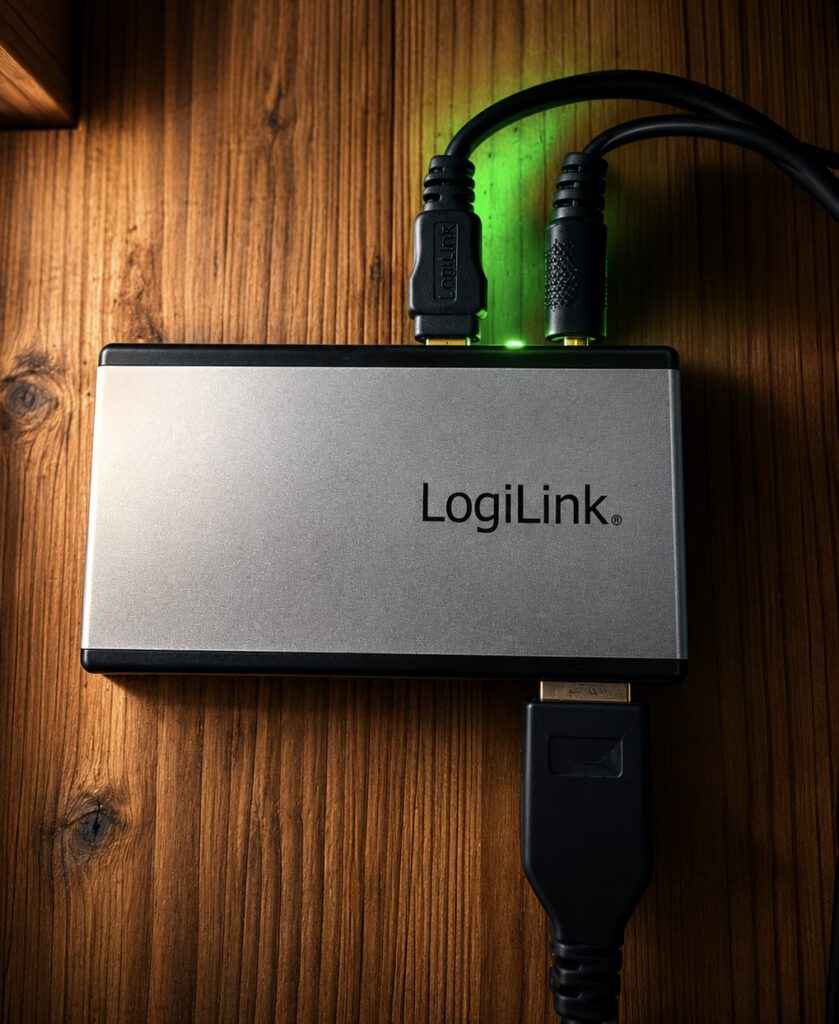
Powered USB Hub
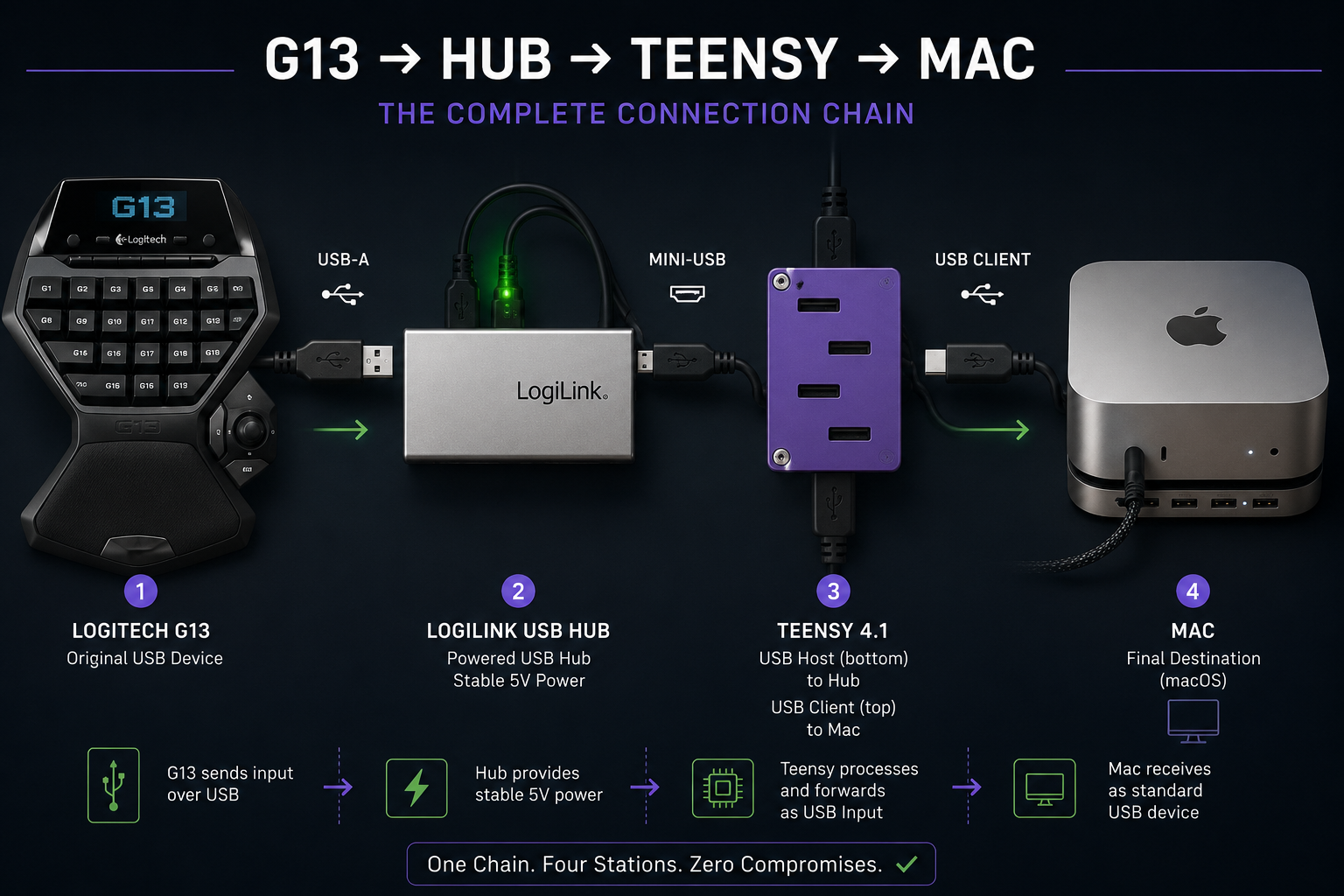
The Logitech G13 is connected to the USB-A port on the powered LogiLink hub.
The Mini-USB connection on the rear side of the hub is connected to the USB Host interface of the Teensy 4.1.
This allows the Teensy to communicate with the original Logitech G13 while the powered hub provides stable USB power delivery.
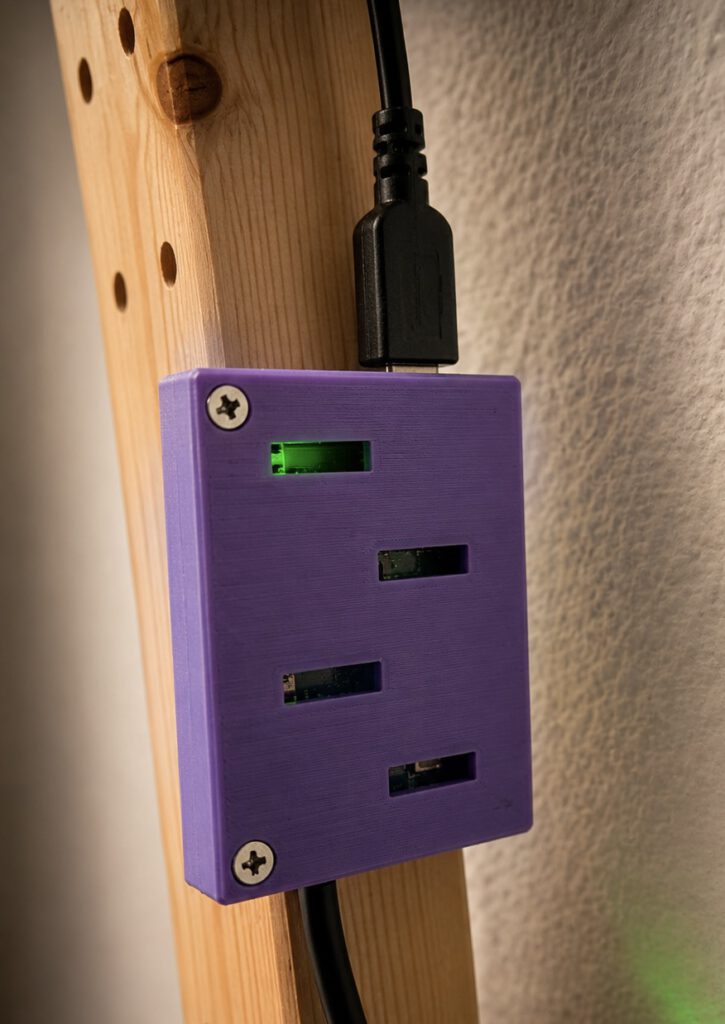
Teensy 4.1 Connection
The lower cable is connected to the USB Host interface of the Teensy 4.1 and leads to the powered LogiLink USB hub.
The upper USB connection uses the Teensy USB Client port and connects the system to the Mac.
This allows the Teensy to act as a bridge between the original Logitech G13 hardware and the modern host system.
USB Client Connection
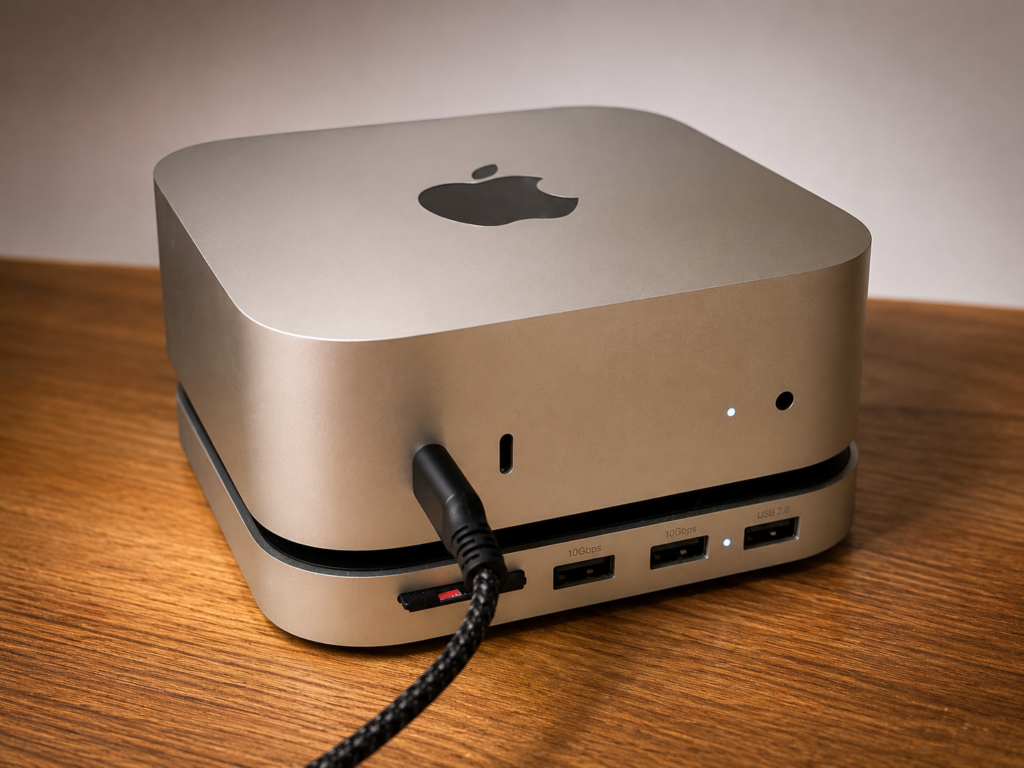
After passing through the powered USB hub and the Teensy 4.1, the final stop in the chain is the Mac itself.
The USB Client connection links the Teensy to macOS, where the system appears as a standard USB input device while all Logitech G13 communication is handled quietly in the background.
Complete Wiring Overview
This is the complete signal path of the G13 Revival setup.
The original Logitech G13 connects to the powered USB hub, the hub connects to the Teensy 4.1 USB Host interface, and the Teensy finally connects to the Mac through its USB Client port.
In other words:
Old gaming hardware on one side.
Modern macOS on the other.
And a tiny purple translator quietly sitting in the middle. 😄